Best Thermostat Settings for Texas Summers
Stay cool and save money with the best thermostat settings
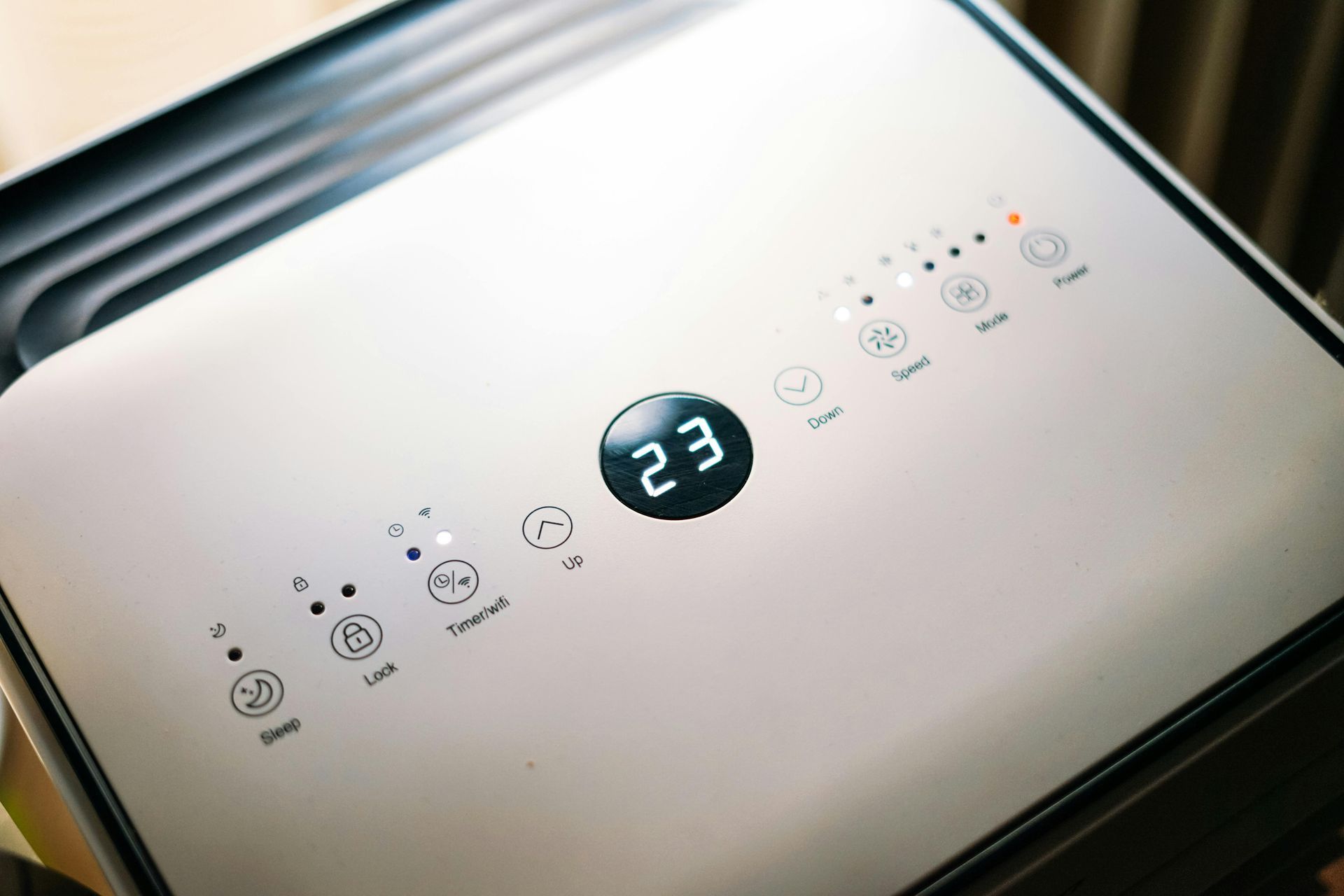
In the heat of a Texas summer, keeping your home cool without breaking the bank can feel like a challenge. For Burleson homeowners, the thermostat plays a central role in both
energy savings and
indoor comfort. Finding the best thermostat setting isn’t just about what feels good—it’s also about maximizing efficiency and lowering your electric bill during months of extreme heat.
In this guide, we’ll cover the ideal thermostat settings for daytime, nighttime, and when you’re away, along with energy-saving tips specific to Texas homes. Whether you use a manual thermostat, a programmable model, or a smart home system, these strategies can help you stay comfortable and cost-effective all summer long.
Why Thermostat Settings Matter in Texas
Texas summers often bring
high humidity, heat waves, and prolonged periods of 90°F to 100°F temperatures, especially in areas like Burleson. With cooling systems running nearly nonstop, energy usage spikes.
Your thermostat directly affects:
- Energy consumption
- HVAC system lifespan
- Indoor air quality
- Monthly utility bills
According to the U.S. Department of Energy, adjusting your thermostat settings wisely can help lower your cooling expenses and reduce system wear over time.
Recommended Thermostat Settings for Summer
The goal is to balance comfort with energy savings. Here are the ideal settings for different scenarios.
1. When You’re Home During the Day
Recommended Setting: 76°F to 78°F
This range provides comfort while limiting overuse of your air conditioner. Use ceiling fans to enhance comfort without lowering the temperature further.
2. When You’re Away from Home
Recommended Setting: 82°F to 85°F
Raising the temperature while you're away reduces the load on your AC system. Smart thermostats can adjust automatically and cool your home before you return.
3. At Night While Sleeping
Recommended Setting: 74°F to 76°F
Many people sleep better in cooler air. Lowering your thermostat slightly at night can improve sleep quality without a major energy increase.
Thermostat Tips for Efficiency
Upgrade to a Programmable or Smart Thermostat
Smart thermostats offer automated scheduling, learning capabilities, and remote control from your phone. This can significantly improve efficiency, especially in homes with unpredictable schedules.
Brands like Ecobee, Nest, and Honeywell are popular options compatible with most systems.
Avoid Large Temperature Swings
Sudden, dramatic changes in temperature settings can make your system work harder and use more energy. Gradual adjustments are more efficient.
Optimize by Zone
If your HVAC system supports zoning, you can set different temperatures in different areas of your home. Keep unused spaces warmer during the day and focus cooling where it's needed.
Other Ways to Stay Cool Without Lowering the Thermostat
In addition to adjusting your thermostat, try these cooling strategies:
- Close blinds or curtains during the hottest parts of the day
- Use ceiling or box fans to circulate air
- Seal gaps and insulate around windows and doors
- Cook outside or in the microwave to reduce indoor heat buildup
All of these tips help support your AC system and keep your home cooler.
When to Service Your Thermostat or AC System
If you notice your home isn’t cooling properly, your thermostat may be out of calibration or your AC system may need maintenance. Common signs include:
- Inconsistent room temperatures
- AC runs constantly or cycles rapidly
- Home feels humid even when cool
- Thermostat screen is blank or unresponsive
[Schedule AC Repair or Tune-Up –
https://www.moorecomfortcaretx.com/air-conditioning-repair]
Annual AC maintenance ensures your thermostat and system work together efficiently all summer long.
Frequently Aske Questions
What’s the best thermostat setting for energy savings?
The U.S. Department of Energy recommends 78°F while you’re home and 82°F or higher when you’re away during summer.
Is it bad to set my thermostat to a very low temperature?
Yes. Setting your thermostat too low won’t cool your home faster—it just forces your system to run longer, increasing energy usage and strain.
Should I turn off the AC when I leave?
It’s better to raise the temperature than to shut the system off completely. Restarting from a hot interior often requires more energy than maintaining a slightly higher temperature.
Can a smart thermostat really make a difference?
Yes. Smart thermostats can learn your habits, automatically adjust temperatures, and save energy by avoiding overuse. They also provide usage reports to help you monitor your consumption.
Optimize Your Comfort with Moore Comfort Care
Managing your thermostat effectively is one of the easiest and most affordable ways to stay cool while keeping energy bills under control. Moore Comfort Care helps Burleson homeowners stay comfortable with AC tune-ups, smart thermostat installations, and reliable repairs.
Whether you’re ready for a thermostat upgrade or need a system check before the next heatwave, we’re here to help.
[Book Air Conditioning Service – https://www.moorecomfortcaretx.com/contact]
Recent Posts